
Accessibility
Getting about, with a bit of help
A lot of Bellpush was built with disabled passengers in mind. Here's what it does, and, just as important, what it can't do yet.
Tell it how you travel
Open Accessibility and help in the app and switch on what applies. Each setting changes how journeys are planned.
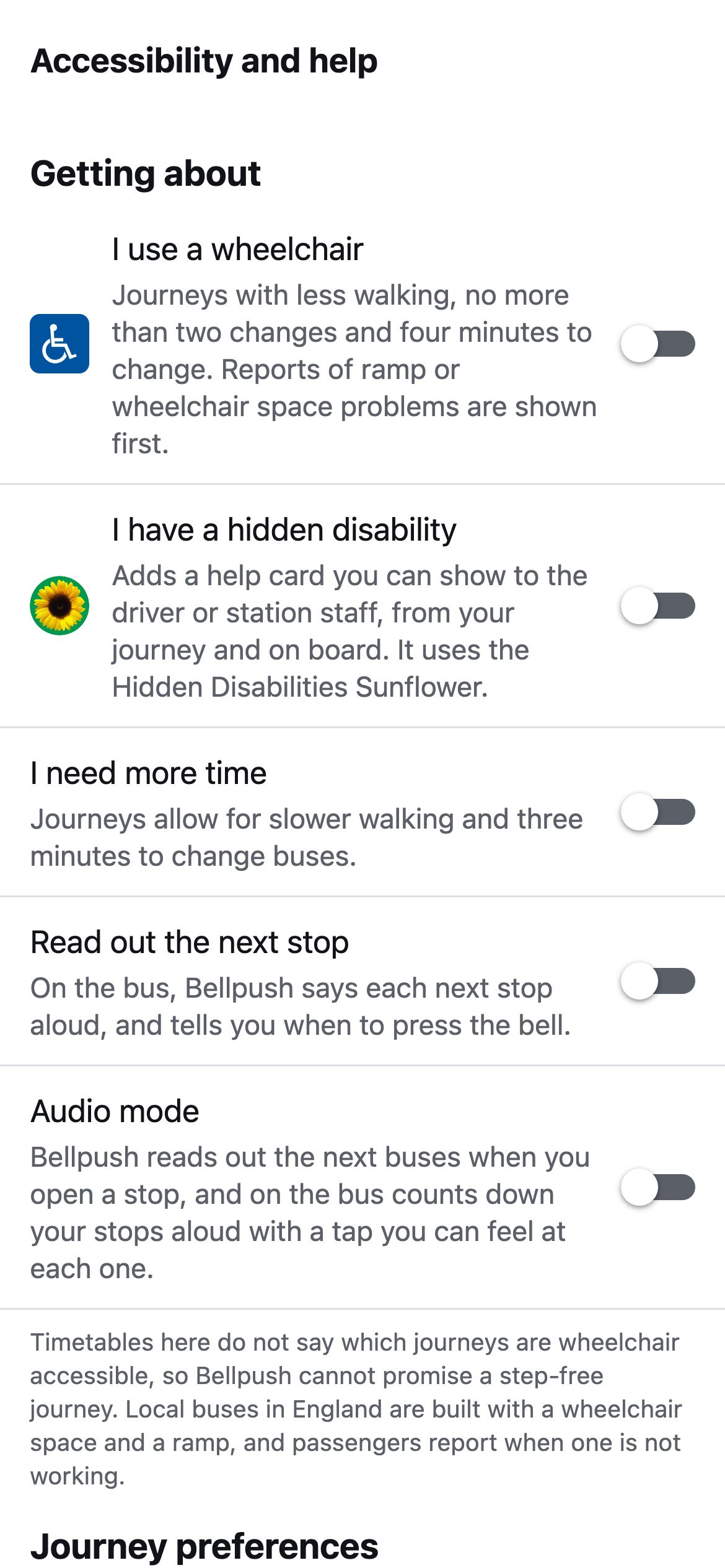
- I use a wheelchair: less walking, no more than two changes and four minutes to change. Reports of ramp or wheelchair space problems are shown first.
- I have a hidden disability: adds a help card to show the driver or station staff.
- I need more time: slower walking and three minutes to change buses.
- Read out the next stop: on the bus, Bellpush says each next stop aloud and tells you when to press the bell.
- Audio mode: reads out the next buses when you open a stop, and counts down your stops aloud with a tap you can feel at each one.
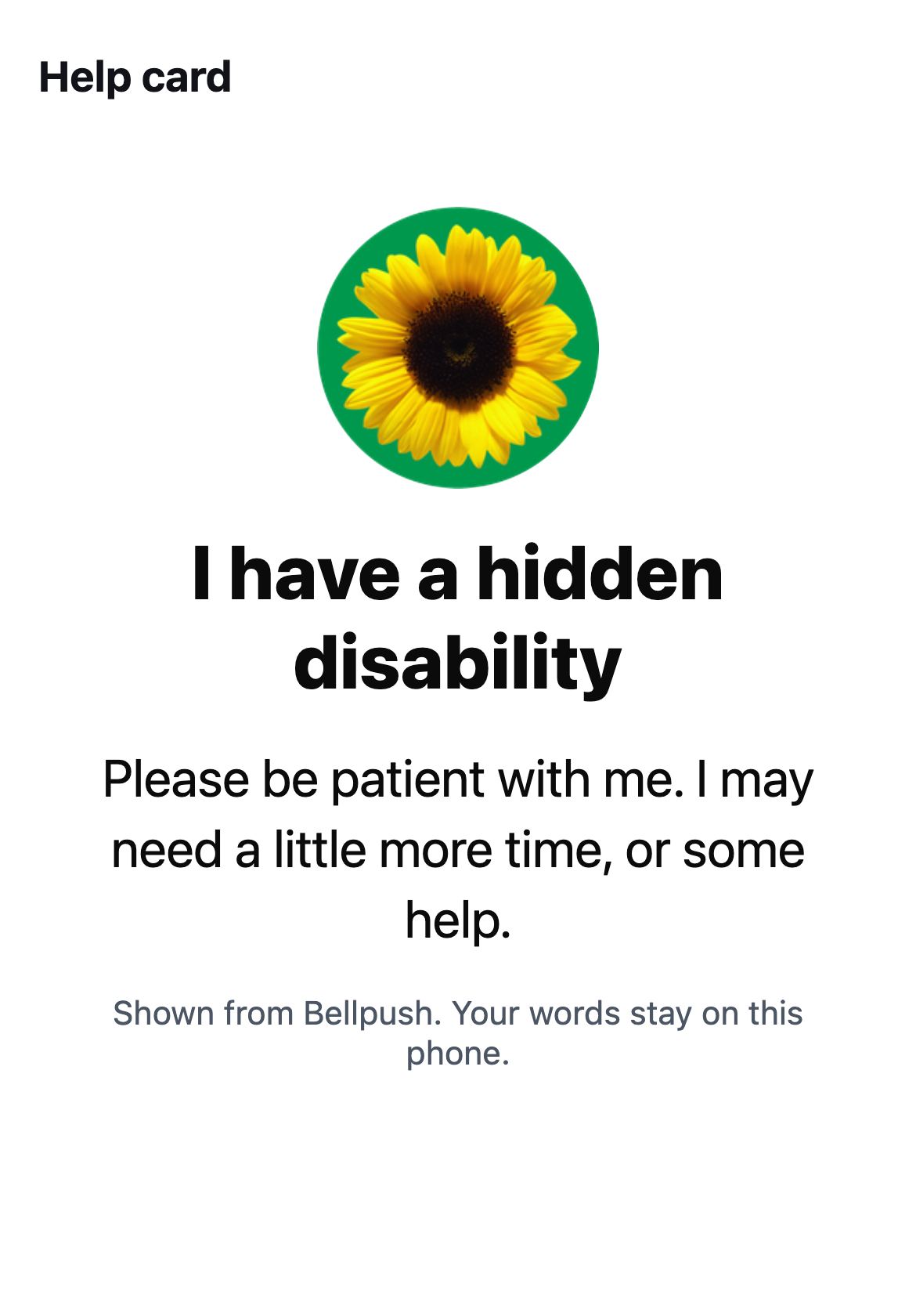
A Sunflower help card
Show the driver or station staff a card that says what you need, using the Hidden Disabilities Sunflower. Add your own words if you want to. They stay on your phone and are never sent anywhere.
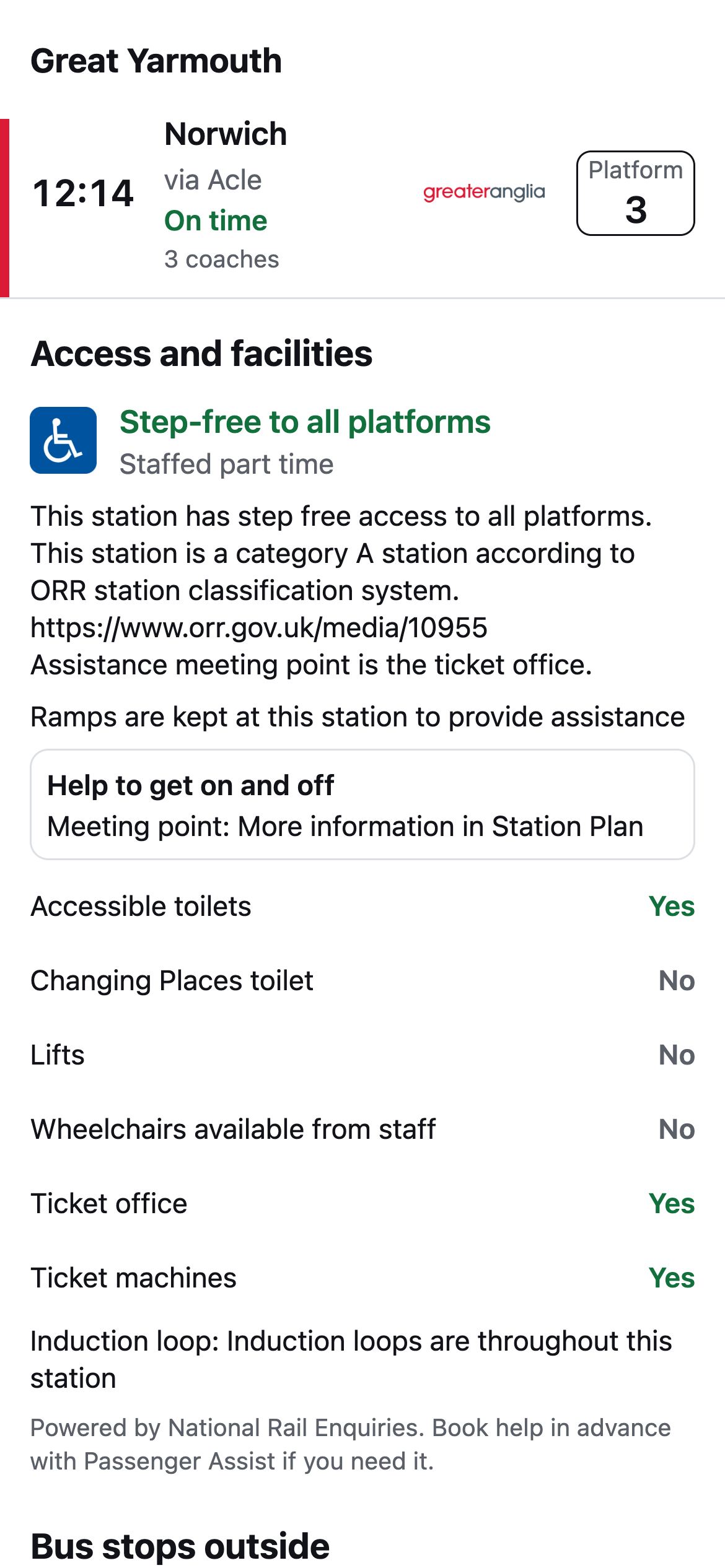
Step-free stations, and where to find help
Every station page says whether there's step-free access to the platforms, whether it's staffed, where to meet staff for help getting on and off, and whether there are ramps, lifts, accessible toilets and induction loops. If a station isn't step-free, it suggests the nearest one that is.
What it can't do yet
The official bus timetables don't say which journeys have a working ramp or a free wheelchair space, so Bellpush can't promise a step-free bus journey. Local buses in England are built with a wheelchair space and a ramp, but ramps break and spaces fill up.
That's why passenger reports matter. If a ramp is broken or the space is taken, one tap tells everyone else waiting for that route.
Something doesn't work for you?
Bellpush is made by one person, and the most useful thing you can do is say what's wrong. Email hello@arcela.co.uk. Criticism is welcome.
This website
This site aims to meet WCAG 2.2 AA: it works with screen readers and keyboard, follows your device's light or dark setting and text size, and doesn't move things about unless your device allows motion. If something on it is hard to use, please tell us.